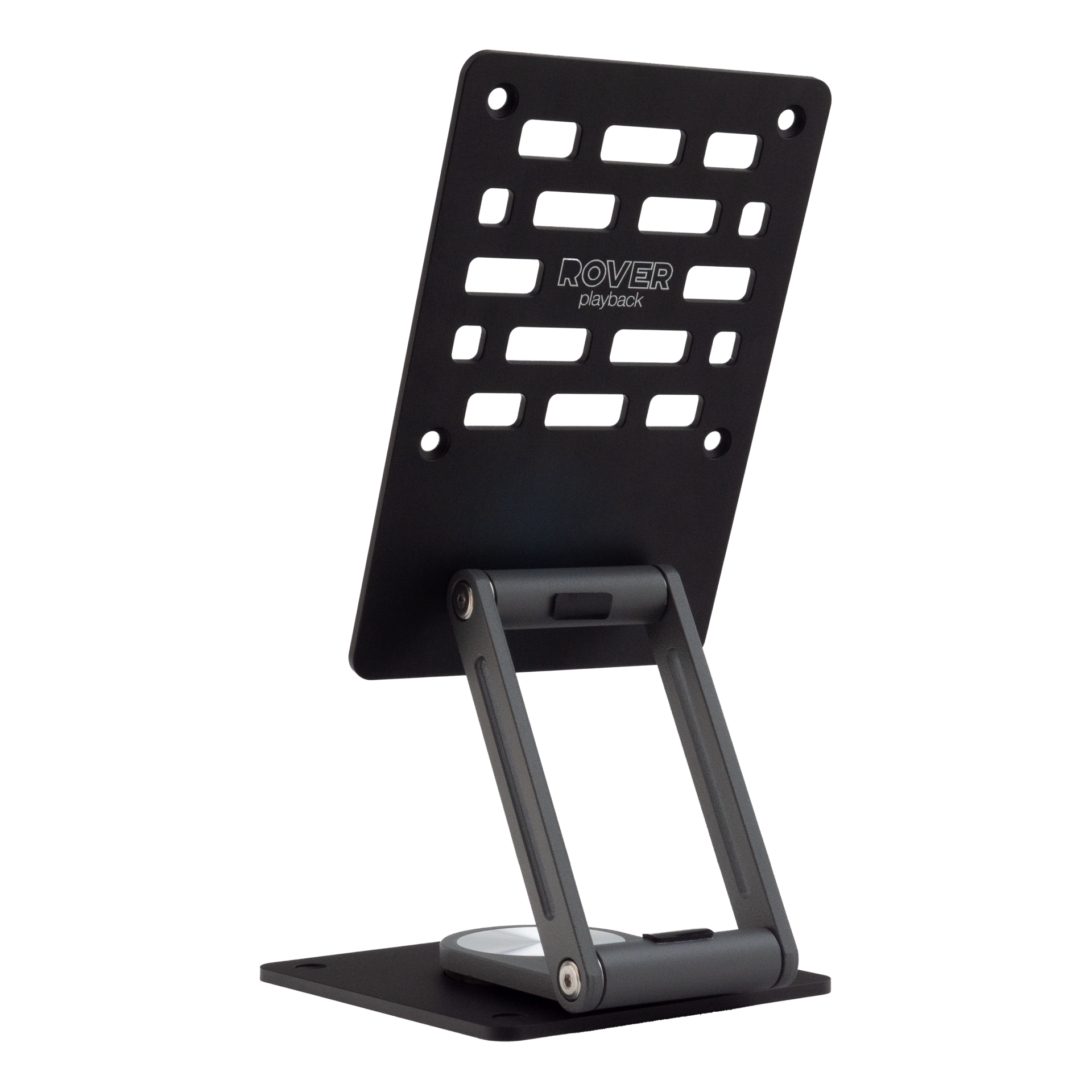
ROVER Swivel Stand - VESA mount 75 x 75
NEW
€135.00

Swivel Stand

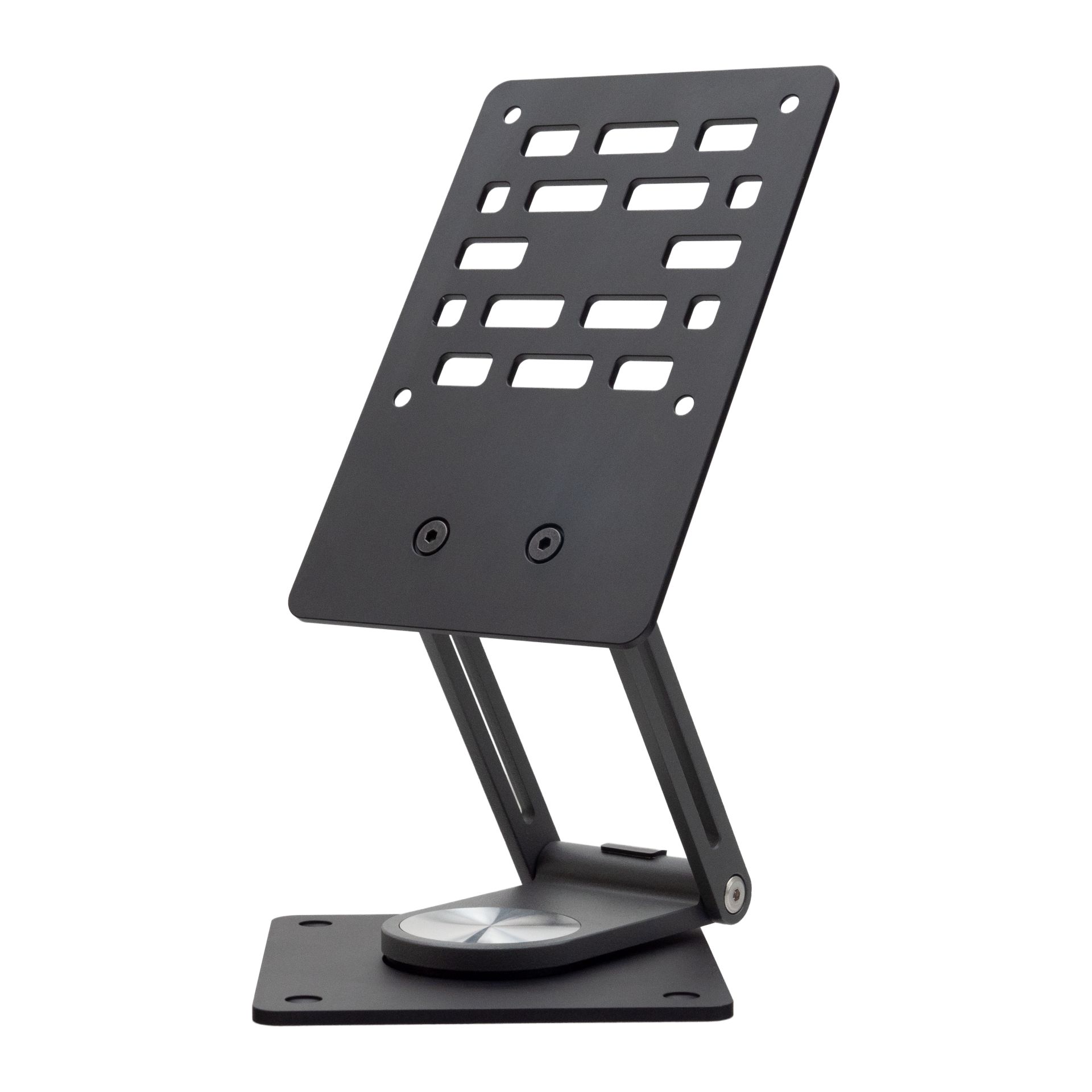
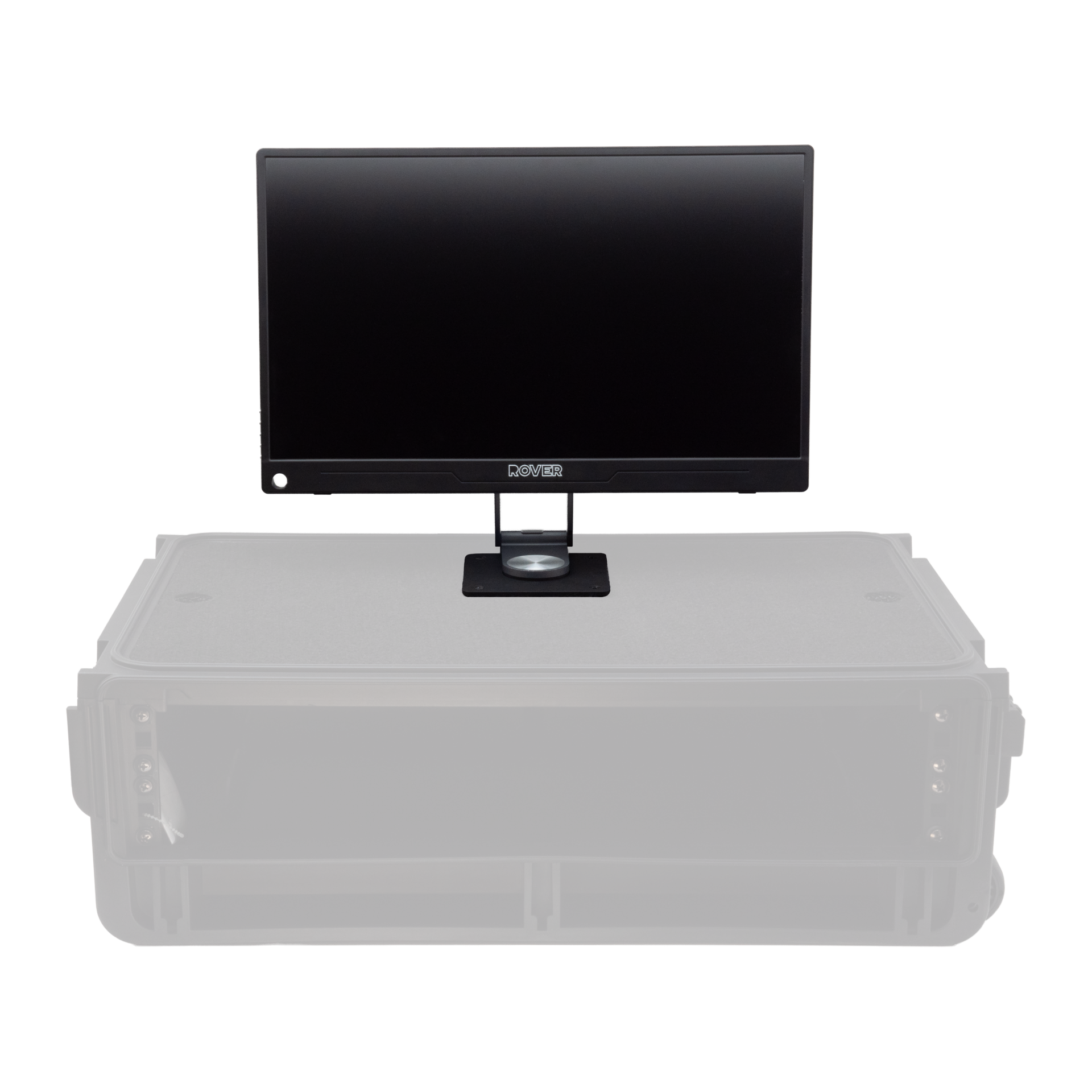
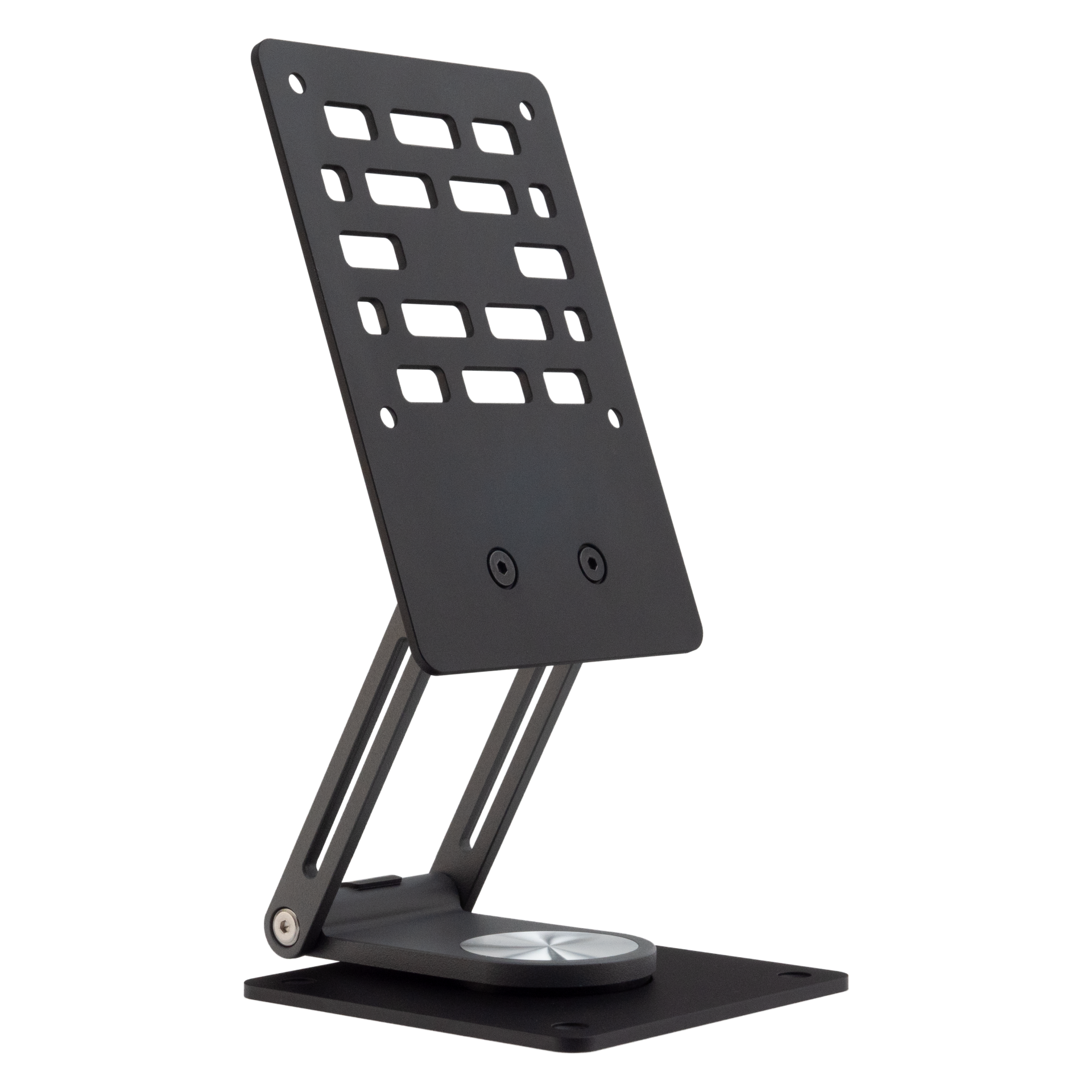
This compact and lightweight swivel stand is designed specifically for VESA compatible monitors of up to 18.5". Made with durable aluminum, it offers a sturdy yet portable solution for various setups.

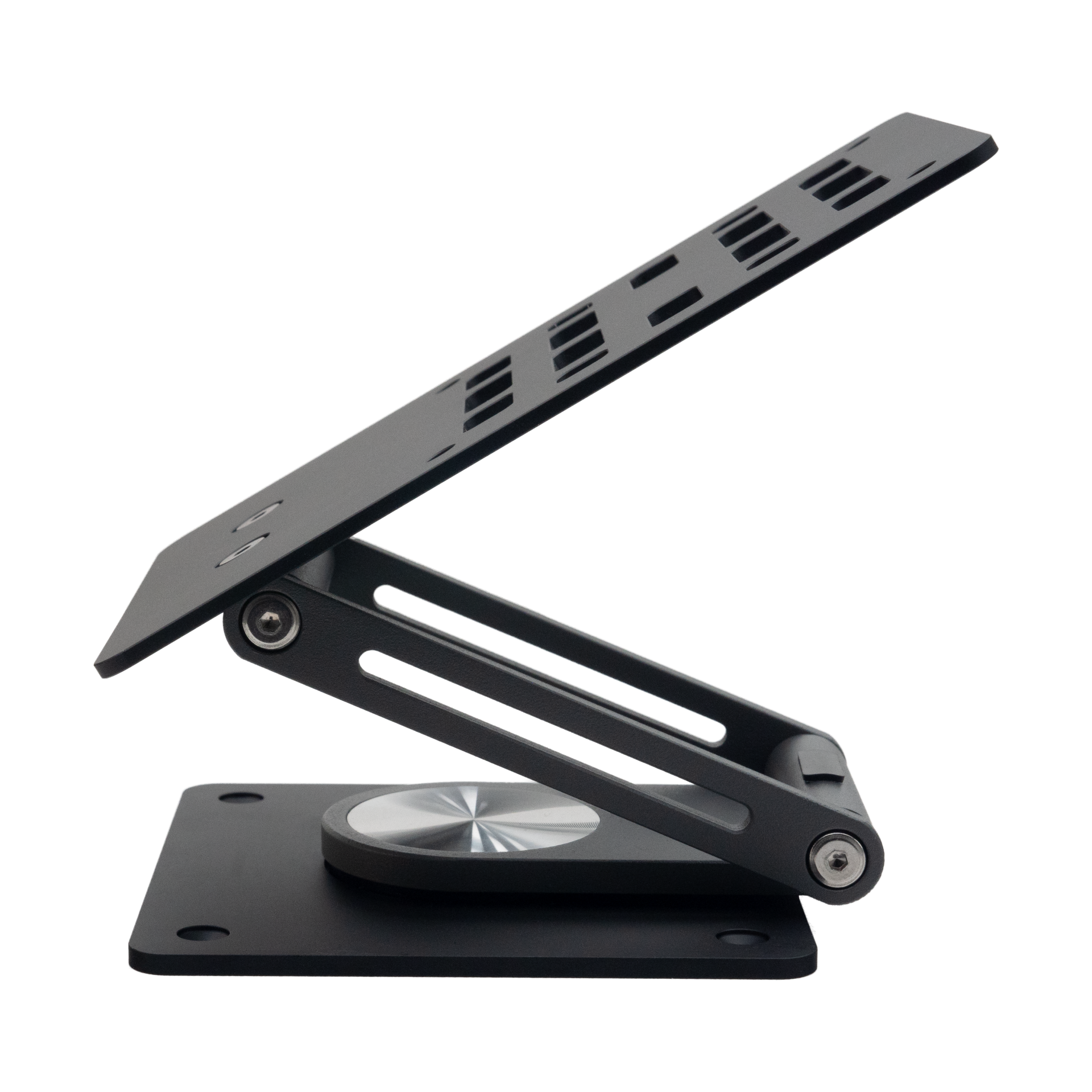
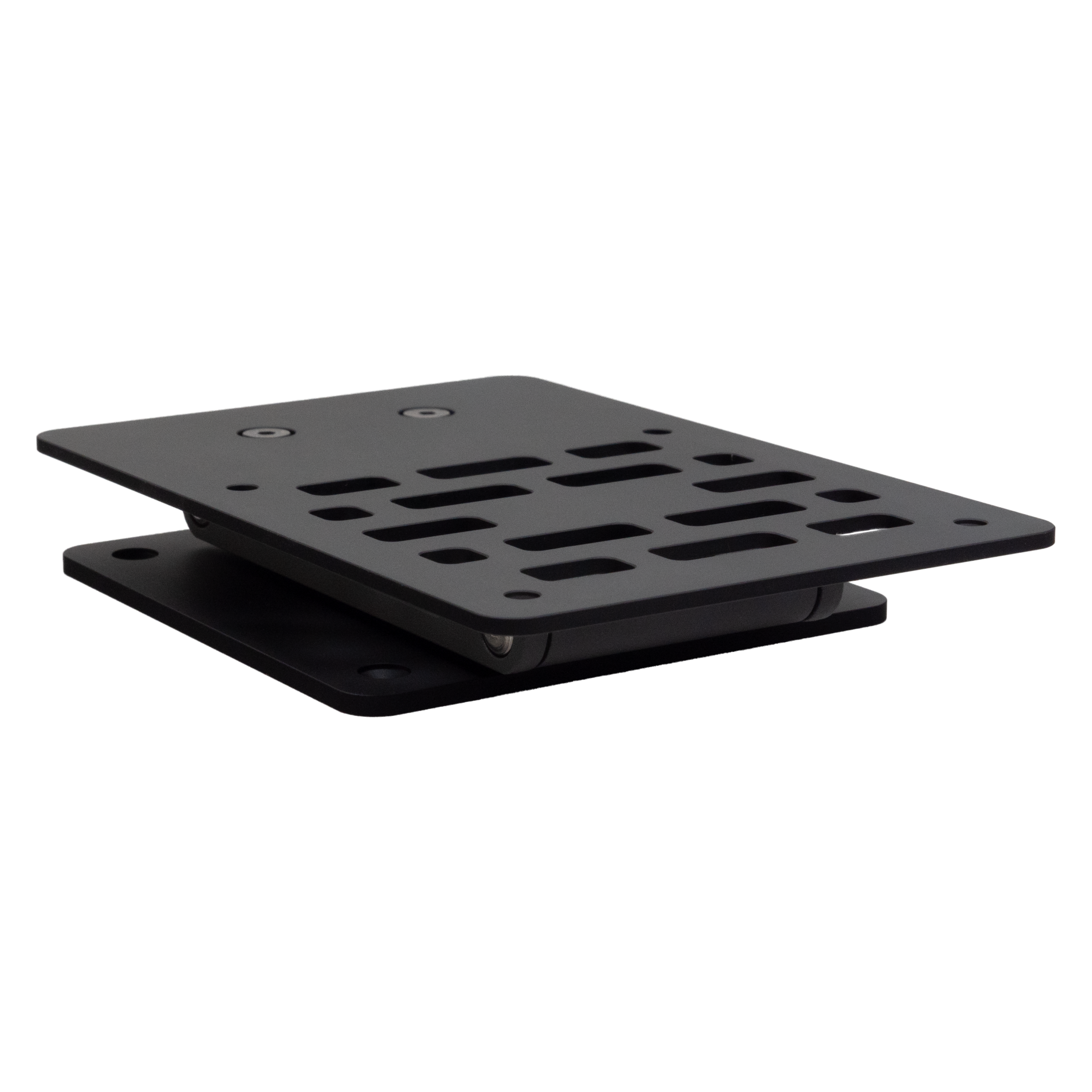
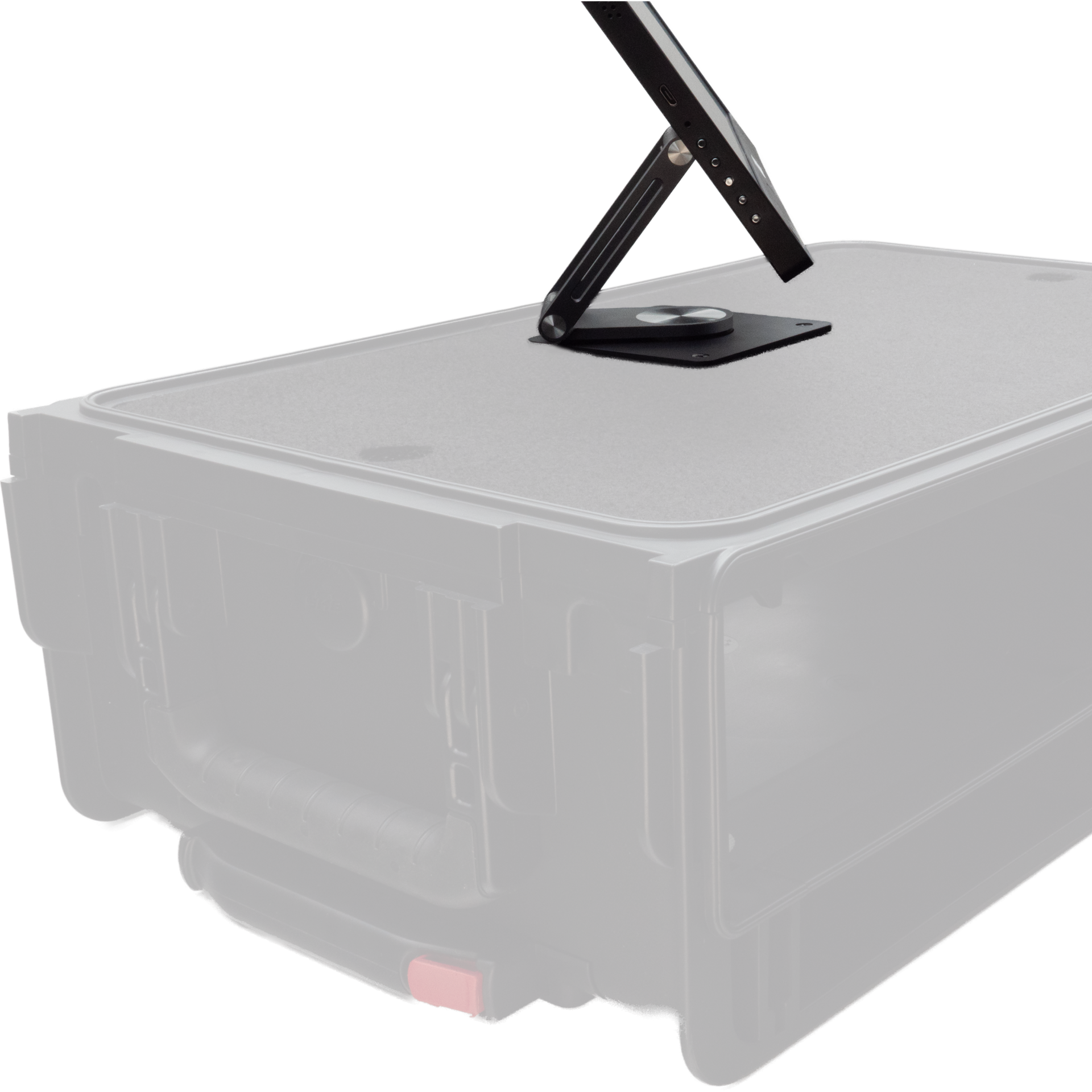
  • Compact & Flexible: Folds down to an ultra low-profile design while offering full 360° rotation and effortless monitor positioning.
  • VESA Mount Compatible: Includes four mounting holes for easy VESA integration, plus four additional holes in the base plate to securely attach the stand to your rack of choice. Designed to perfectly accommodate a ROVER 15.6" monitor or any other portable VESA monitor of up to 18.5". 
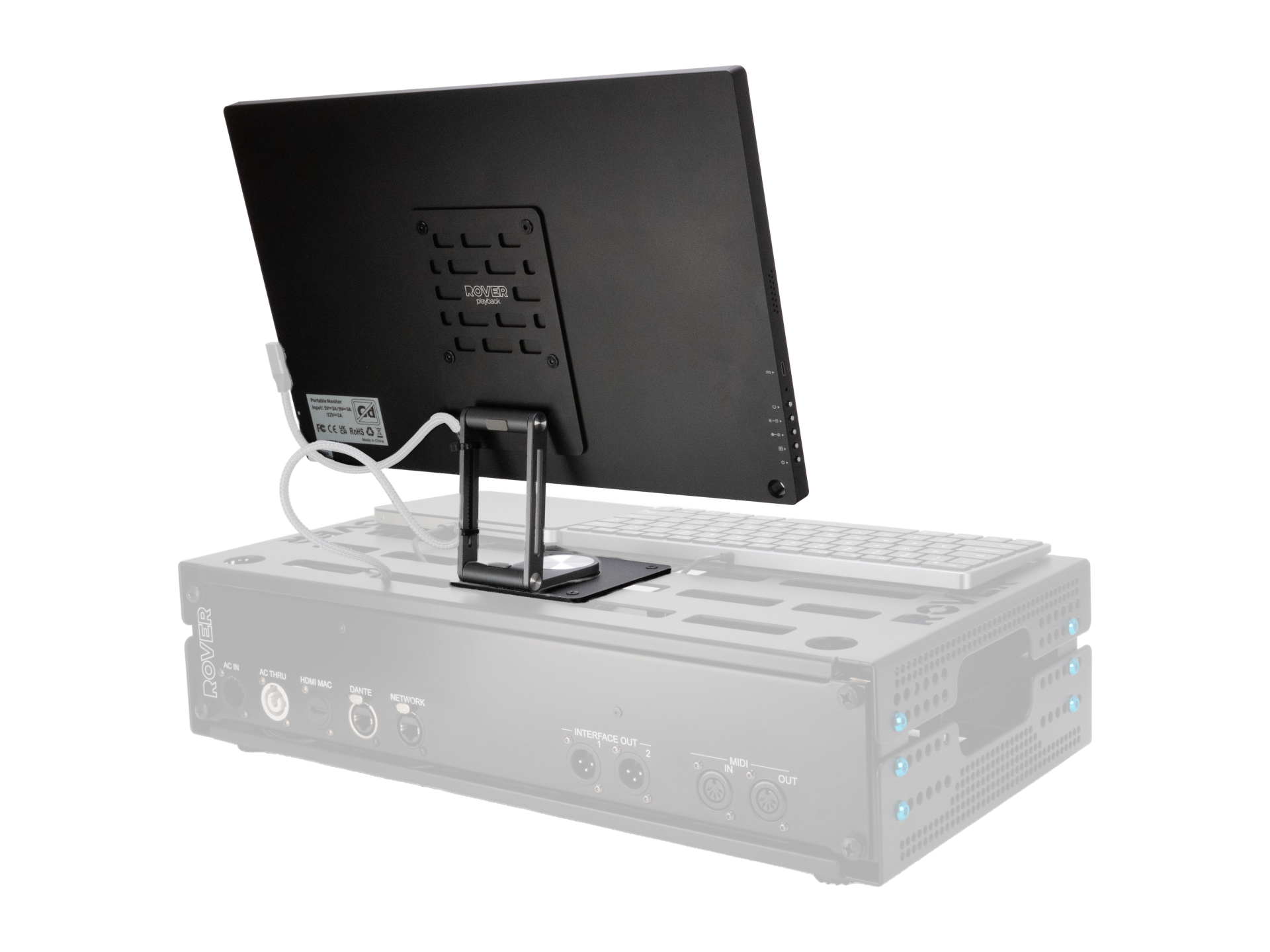
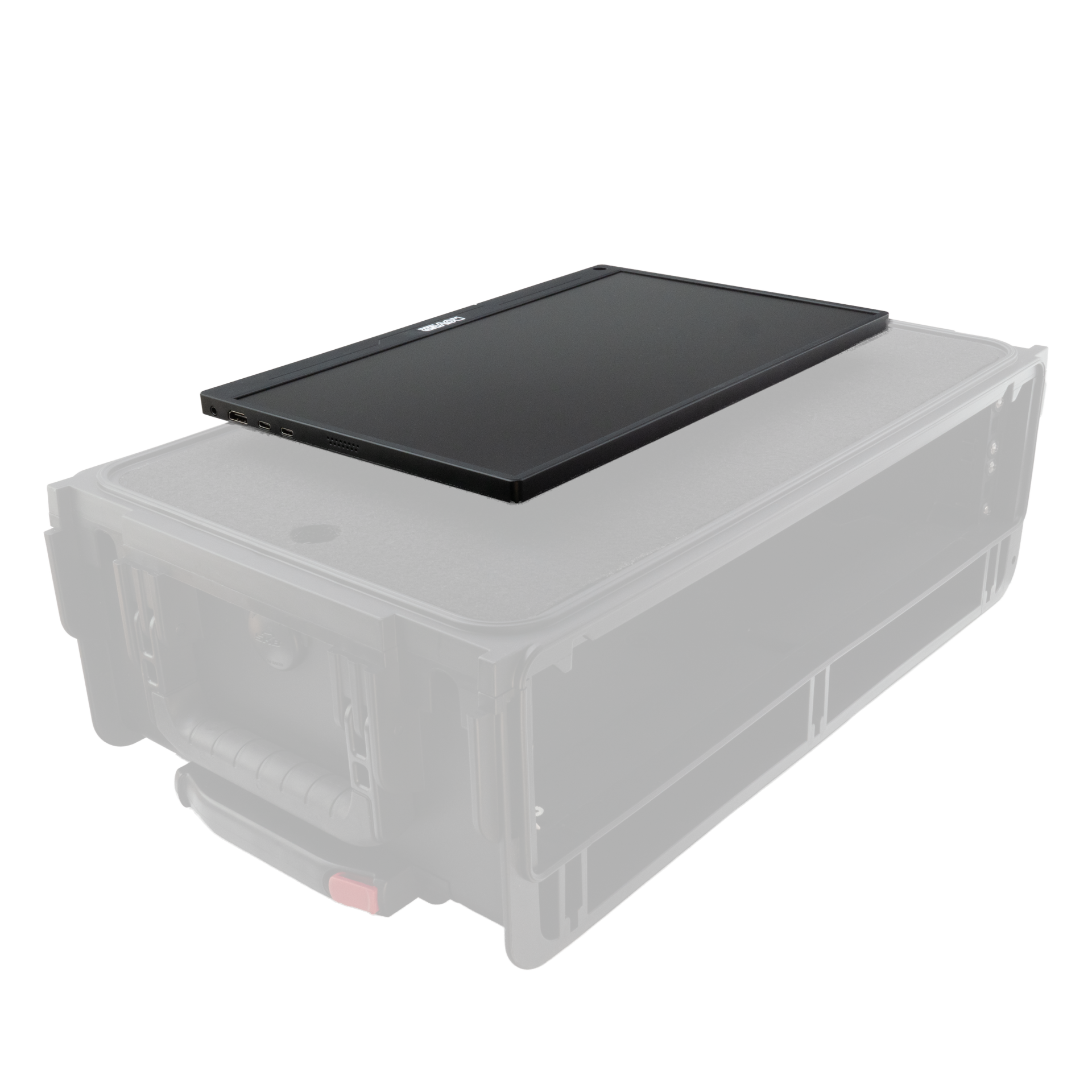
  • RoverRack Ready: Mount the stand with the monitor attached directly onto a 2U or 2.25U RoverRack. No drilling required. The mounting holes align perfectly with the RoverRack slots for a seamless setup, and all necessary bolts and nuts are included. The full setup still fits inside a Pelican 1535 case.
  • StudioFlyer Case Ready: Can be securely mounted in a StudioFlyer case with the supplied nuts and longer bolts, without sacrificing any rack space. Installation requires drilling four small holes in the StudioFlyer top shelf. 

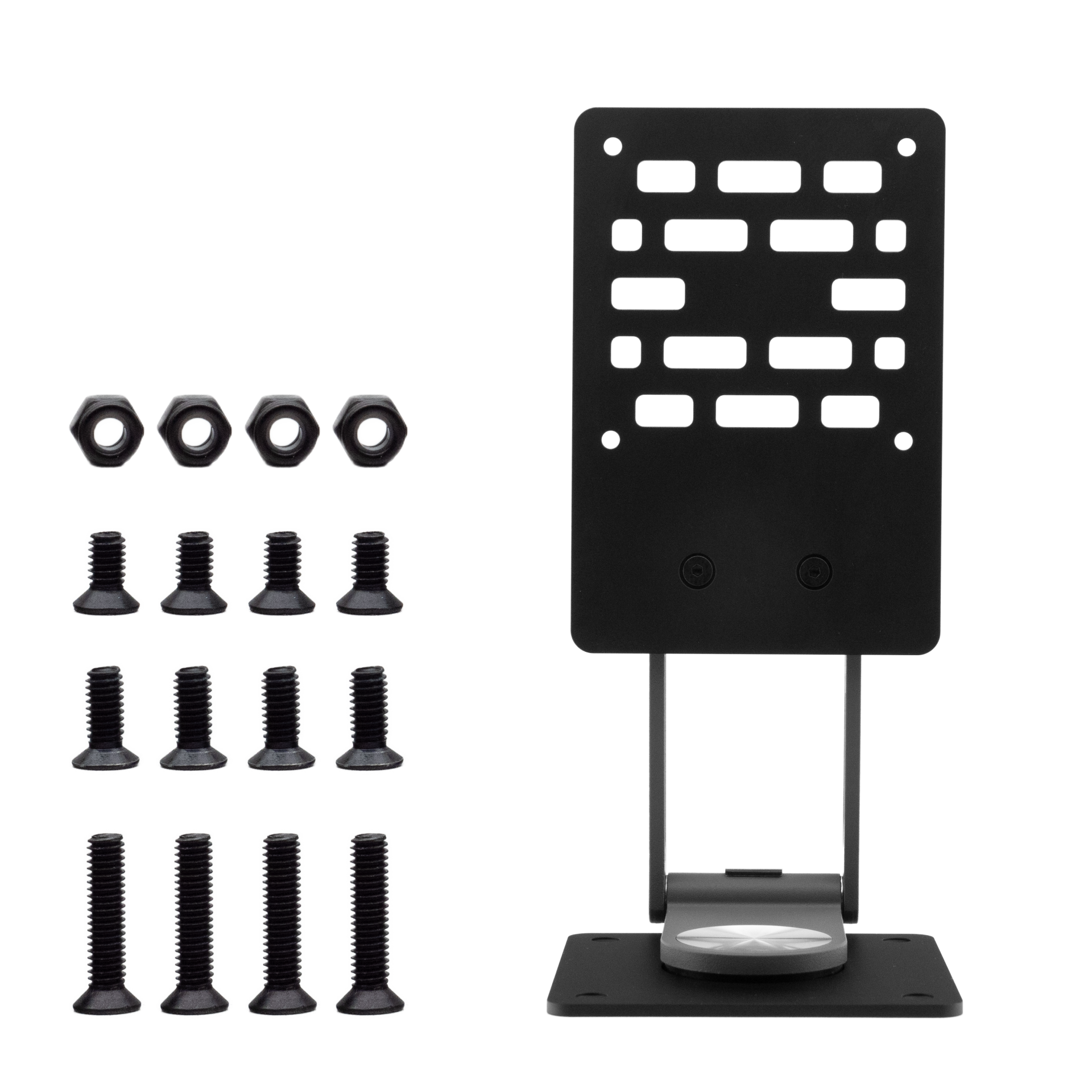
What’s in the Box

  • Swivel Stand
  • 4x Bolt M4x18mm - For installation in a StudioFlyer 2u/4u
  • 4x Bolt M4x10mm - For installation on a RoverRack 2u & 2.25u
  • 4x Bolt M4x8mm - For mounting the monitor to the stand
  • 4x Locking Nut M4 

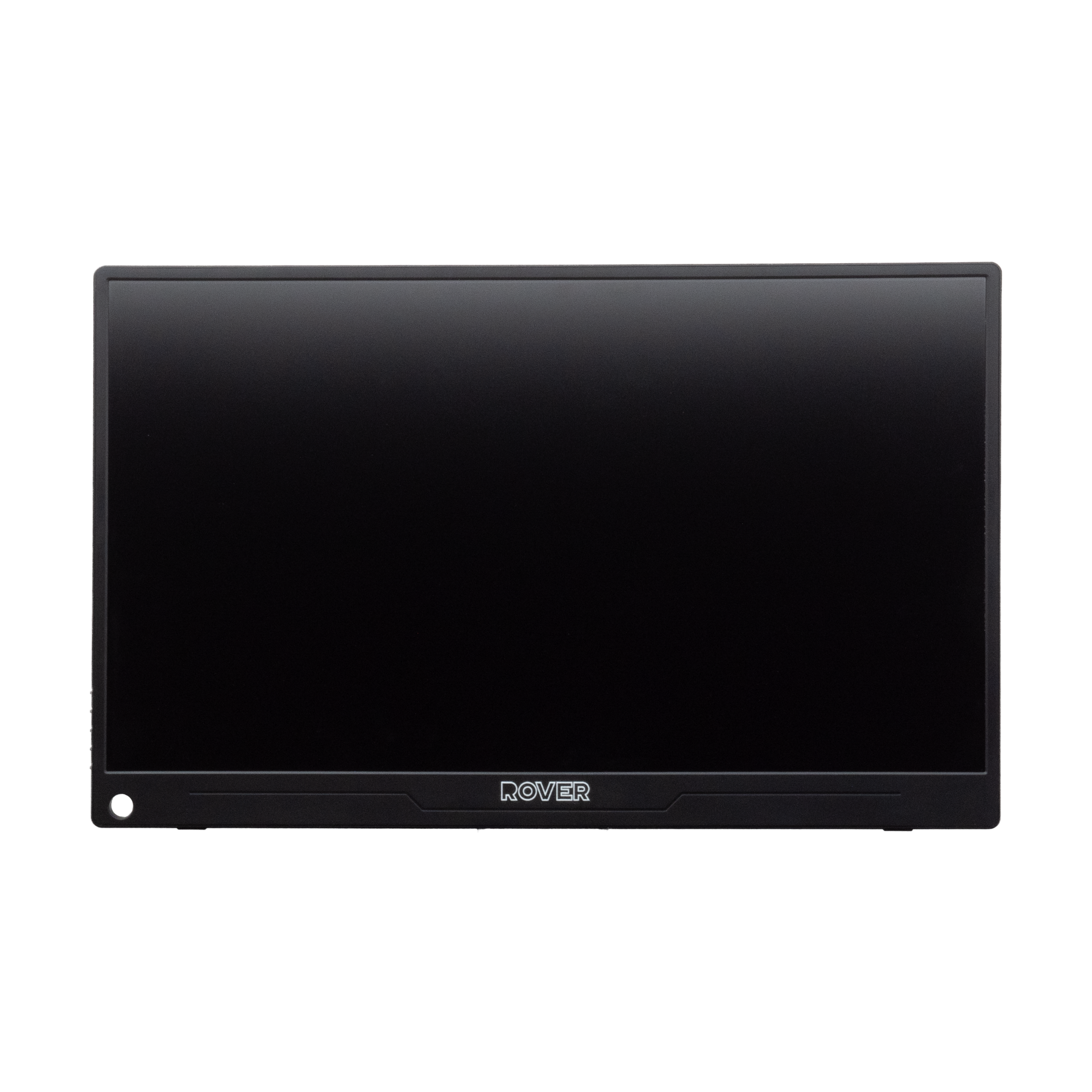
15.6" Monitor

This portable monitor offers a resolution of 1920x1080 pixels, delivering sharp, detailed images with vivid colors and precise clarity. Its Full HD display ensures an immersive visual experience, making it ideal for stage use. 

Matte Screen for Comfort
Non-reflective screen minimizes glare, reduces eye strain, and resists fingerprints and scratches.

Versatile Connectivity Options
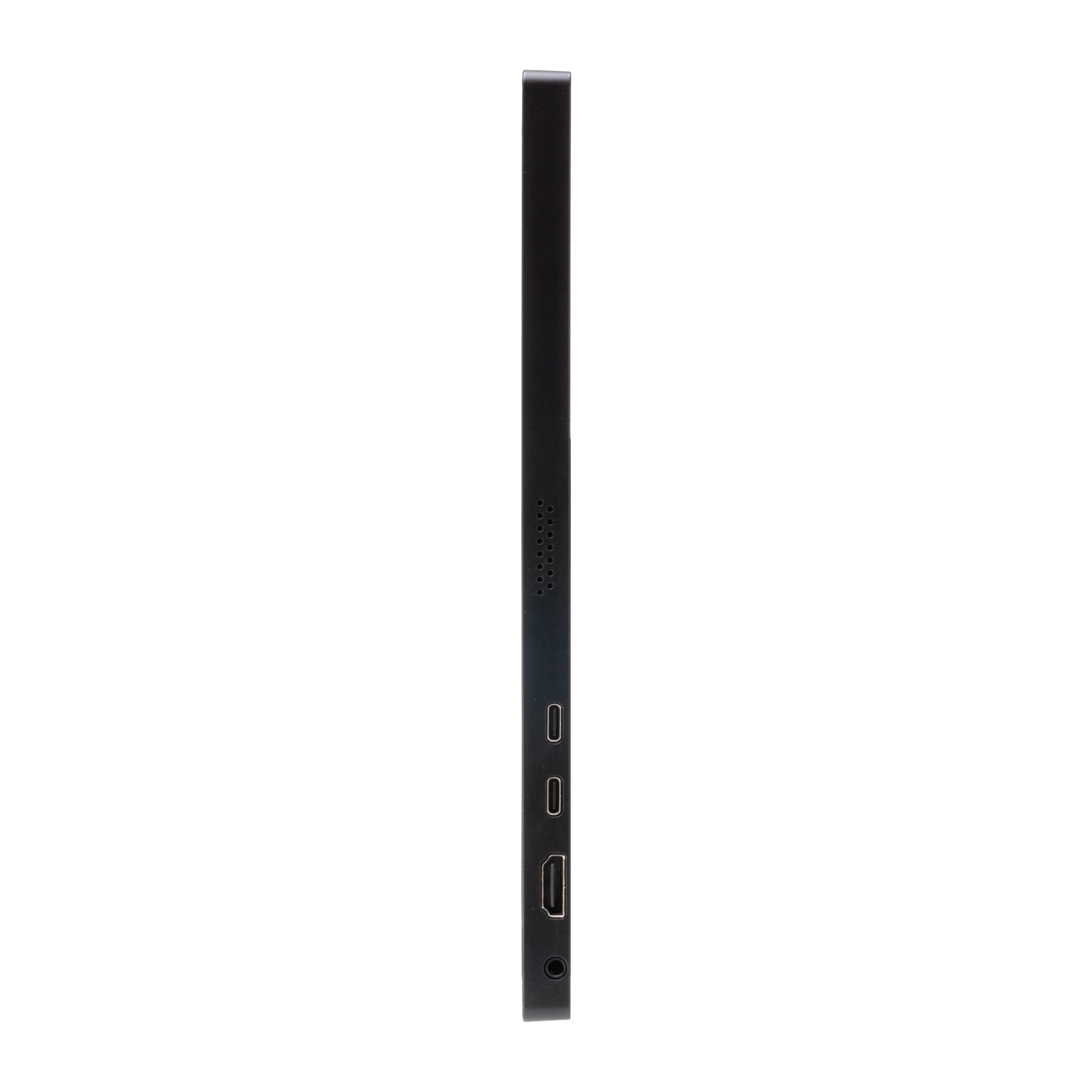
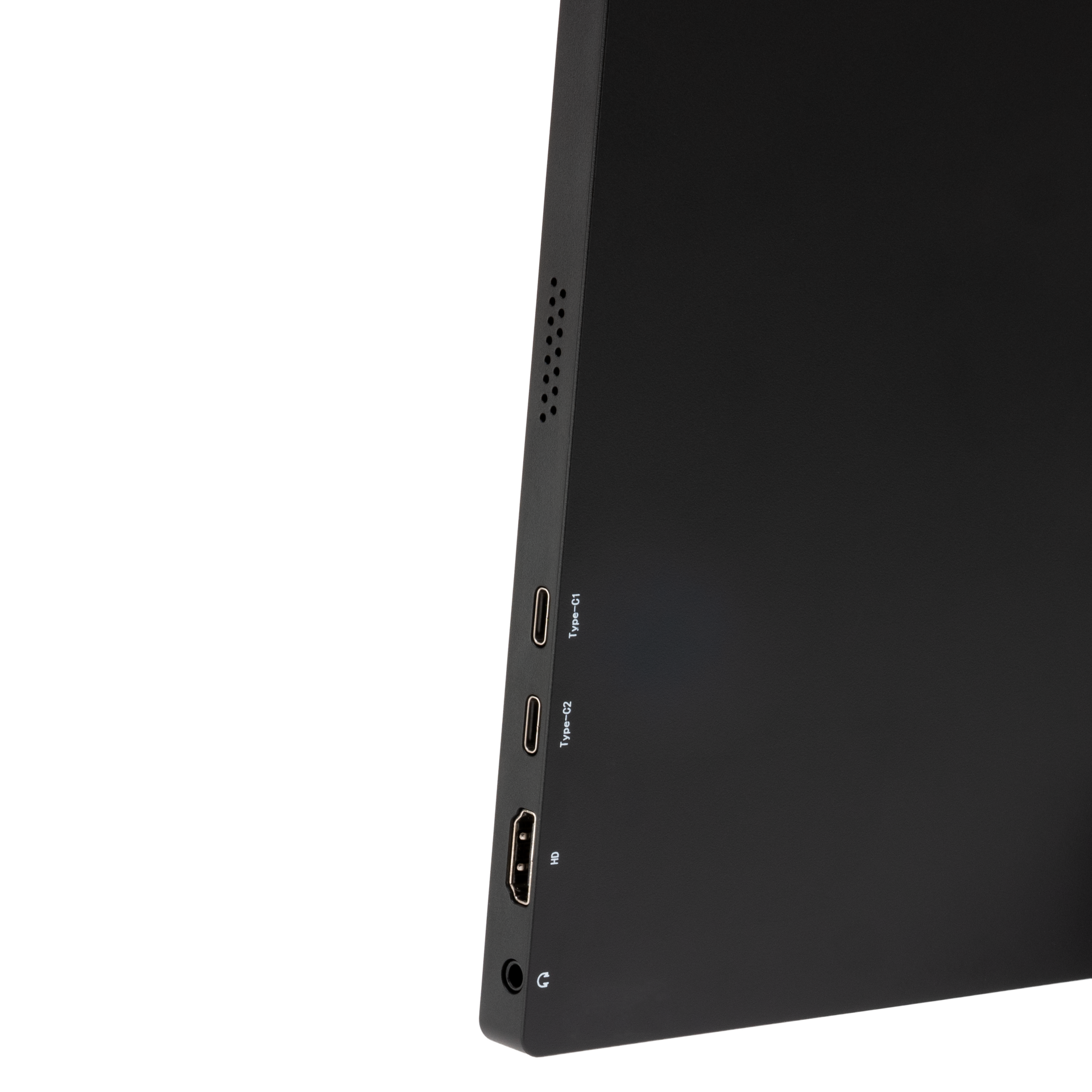
With HDMI and USB-C (Type-C) ports, the 15.6" portable monitor is compatible with Mac Mini, laptops, desktops, smartphones, tablets. Also works with HDMI KVM-switches to switch between computers.

VESA Mount Compatibility
VESA-compatible design (75x75mm) allows easy mounting and ergonomic adjustments to reduce strain.

What’s in the Box

  • 15.6" 1080P Portable Monitor
  • Power Adapter
  • USB-C Cable
  • HDMI Cable
  • Protective Cover

Specifications Swivel Stand

Compatibility

  • Supports VESA 75 × 75 mm mounting pattern
  • Compatible with RoverRack (2U / 2.25U)
  • Compatible with StudioFlyer (2U / 4U)

Material & Build

  • High-grade aluminum & carbon steel construction
  • Lightweight and durable design
  • Matte black + grey finish 

Dimensions & Weight

  • Dimensions open: 95x105x201mm 
  • Dimensions folded: 95x140x21mm
  • Weight: 216 grams 

Included Hardware

  • 4× M4x18mm bolts (StudioFlyer)
  • 4× M4x10mm bolts (RoverRack)
  • 4× M4x8mm bolts (monitor mounting)
  • 4× M4 locking nuts

Specifications 15,6" Monitor

Display

  • 15.6" IPS panel
  • 1920 × 1080 (Full HD)
  • 16:9 aspect ratio · 178° viewing angle
  • 300 cd/m² brightness · 3000:1 contrast
  • HDR support

Performance

  • 60Hz refresh rate
  • 1ms response time
  • FreeSync support

Audio

  • Dual 2W built-in speakers

Connectivity

  • HDMI
  • USB-C (video & power)

Compatibility

  • Works with Mac Mini, laptops, desktops, smartphones, tablets
  • Works with HDMI KVM-switches to switch between computers

Build & Mounting

  • Aluminum housing
  • VESA 75 × 75 mm compatible
  • Includes protective cover

Dimensions 

  • 24 x 36 x 1 cm
  • 1,93 kg

Mounting Options

RoverRack (2U / 2.25U)
Use the M4x10mm bolts to attach the stand directly to the RoverRack. No drilling required. The holes align with the rack slots for quick and easy installation. 

StudioFlyer (2U / 4U)
Use the M4x18mm bolts with the included M4 locking nuts.
Drill four small holes in the top shelf, then secure the stand firmly in place.

Monitor to Stand (VESA 75x75)
Use the M4x8mm bolts to mount your monitor to the stand via the VESA interface.

Installation Guide RoverRack 2U & 2.25U

Installation Note
It is recommended to mount the swivel stand to the rack before attaching the monitor.


Step 1
Open the swivel stand to access all mounting holes and align them with the four slots on top of the RoverRack.
For optimal positioning of the 15.6" monitor, slide the base plate fully toward the back of the rack.

Step 2
Insert the four M4x10mm bolts from the top through the base plate and into the RoverRack slots.
Loosely fasten all four bolts.

Step 3
Secure the stand by tightening the M4 locking nuts underneath.
For best results, hold each bolt in place with a screwdriver while tightening the nut with a hex wrench, until the base plate sits firmly on the rack with no movement.

Step 4
Attach the monitor to the stand using the M4x8mm bolts.

Installation Guide SKB StudioFlyer 2U & 4U

Installation Note
It is recommended to mount the swivel stand to the case before attaching the monitor.


Step 1
Open the swivel stand to access all mounting holes. Place the base plate tightly against the cable pass-through at the back of the Velcro shelf and ensure proper alignment. Make sure to leave enough space at the front of the shelf for a keyboard or trackpad. Use the base plate to mark the four mounting holes on the top shelf.

Step 2
Remove the stand and drill four 4mm holes at the marked positions.

Step 3
Reposition the swivel stand and align the holes.
Insert the four M4x18mm bolts from the top through the base plate and the drilled holes.

Step 4
Secure the stand using the included M4 locking nuts underneath.
For best results, hold each bolt in place with a screwdriver while tightening the nut with a hex wrench, until the base plate sits firmly with no movement.

Step 5
Attach the monitor to the stand using the M4x8mm bolts.